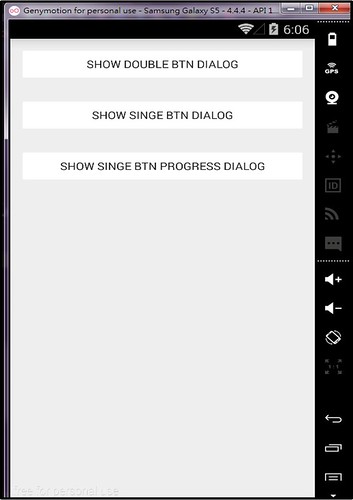
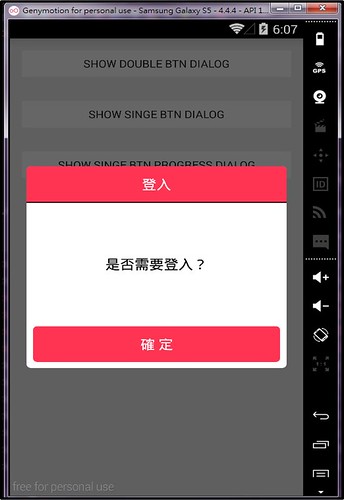
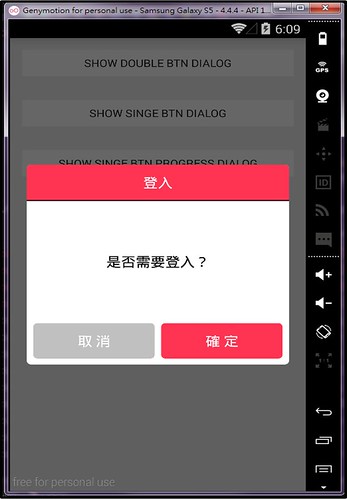
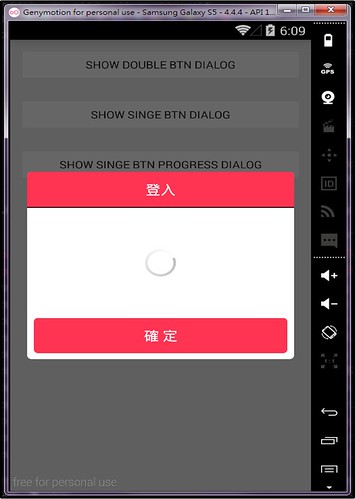
There are many people wanna record the operation of an application, but they don't want to download additional applications or root their mobile to cause many system problems. This article teachs you how to record the operation via ADB tool.
1.You need to download Android SDK and unzip it to the folder you assign. (for example: D:\Software\Android SDK)
2.You can find out ADB tool within the folder named "platform-tools", as the following figure.
3.Confirm the Settings of your mobile, and open Developer options as well as check "USB debugging" option.
4.Connect your device, and intput "adb devices" to check status through command line, as the following figure. Your device will be attached if the step is success. (Note: You shoulde navigate the path named "platform-tools" if you have never set environment variables on your PC.)
adb devices
5.Input the following command. You should assign the path of SD Card if wantting to save your vedio into the SD card.
adb shell screenrecord {the path you wanna save}
For example:
adb shell screenrecord /sdcard/my_app_video.mp4
6.Start to record and execute the operation on your mobile.
7.Pull your video into your PC through the following instructions, as the following diagram.
adb pull {the path you wanna save}
For example:
adb pull /sdcard/my_app_video.mp4
8.Check your file from the folder you assigned, as the following figure.